
Slide · merge · reach 2048
The 2048 puzzle, polished.
Swipe to slide every tile; when two matching numbers touch they merge and double. Keep combining to reach the 2048 tile — then keep going for a high score. Play on 3×3, 4×4, or 5×5 boards, with optional Wild and Blocker tiles for an extra twist.

Coming soon on iPhone — a clean, one-thumb puzzle.
Shapes 2048
Free to play. Easy to learn, hard to put down — no account needed; your best scores stay on your device.
Classic merge loop
Swipe, merge matching tiles, and race to 2048 — then keep going for a new best.
Special tiles
Turn on Wild tiles that merge with anything, or Blocker tiles that raise the challenge.
No account needed
Your best scores, stats, and settings stay on your device.
How Shapes 2048 works
Simple to pick up, with room to master.
01 · Your board, your pace
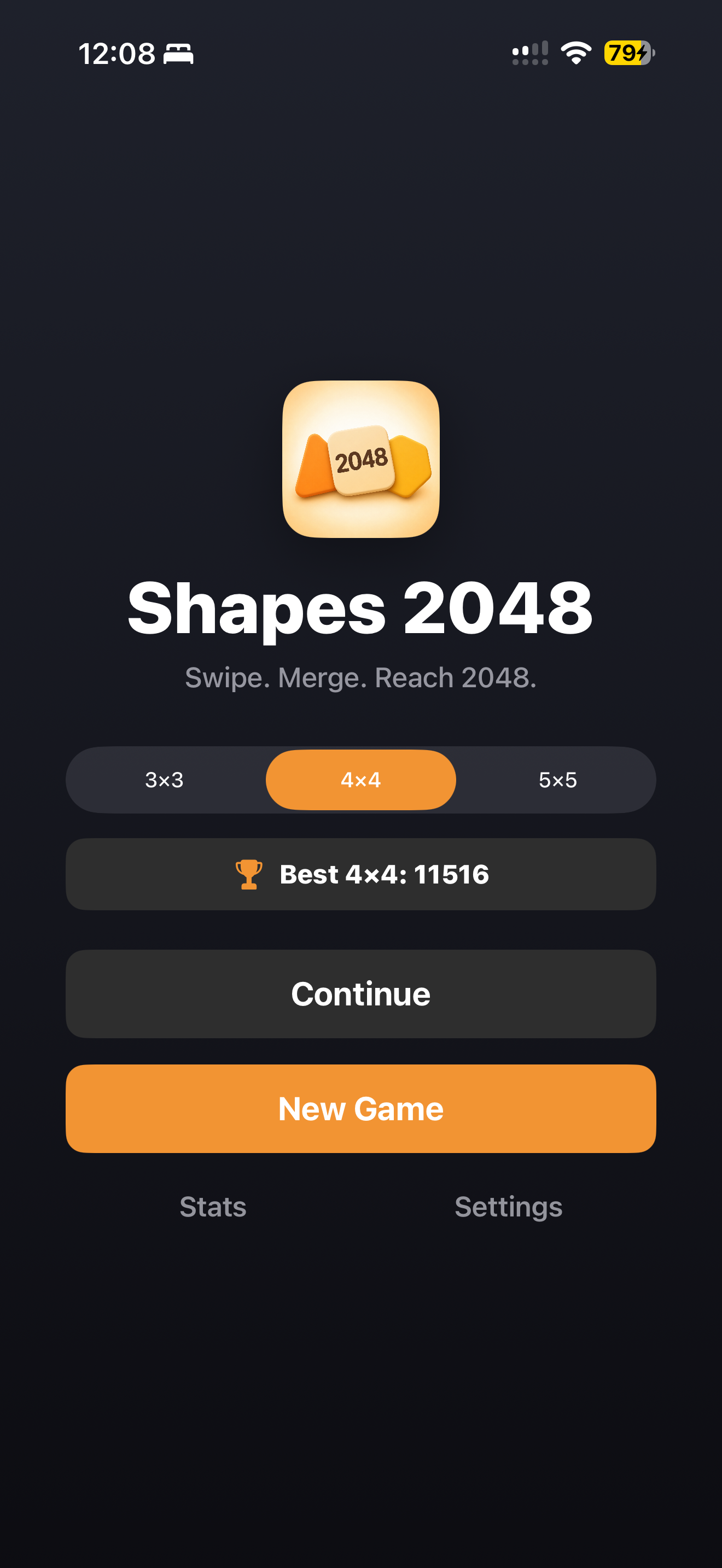
Choose a board size
Start on the classic 4×4, keep it tight on 3×3, or open things up on 5×5. Your best score is tracked separately for each size.
02 · The core loop
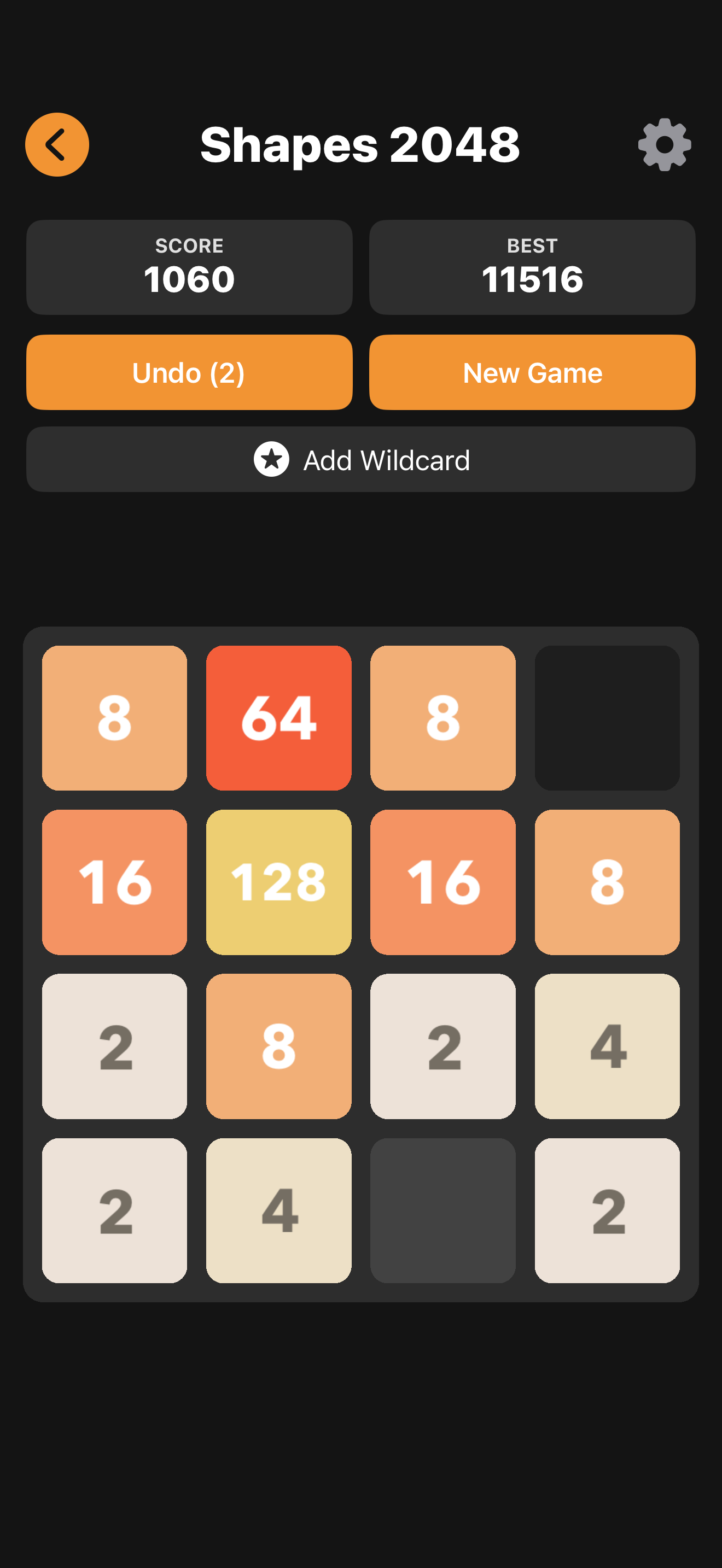
Swipe, merge, double
Slide all tiles in any direction. When two equal numbers collide they merge into their sum. Chain merges to build bigger tiles and climb toward 2048.
03 · Add a twist
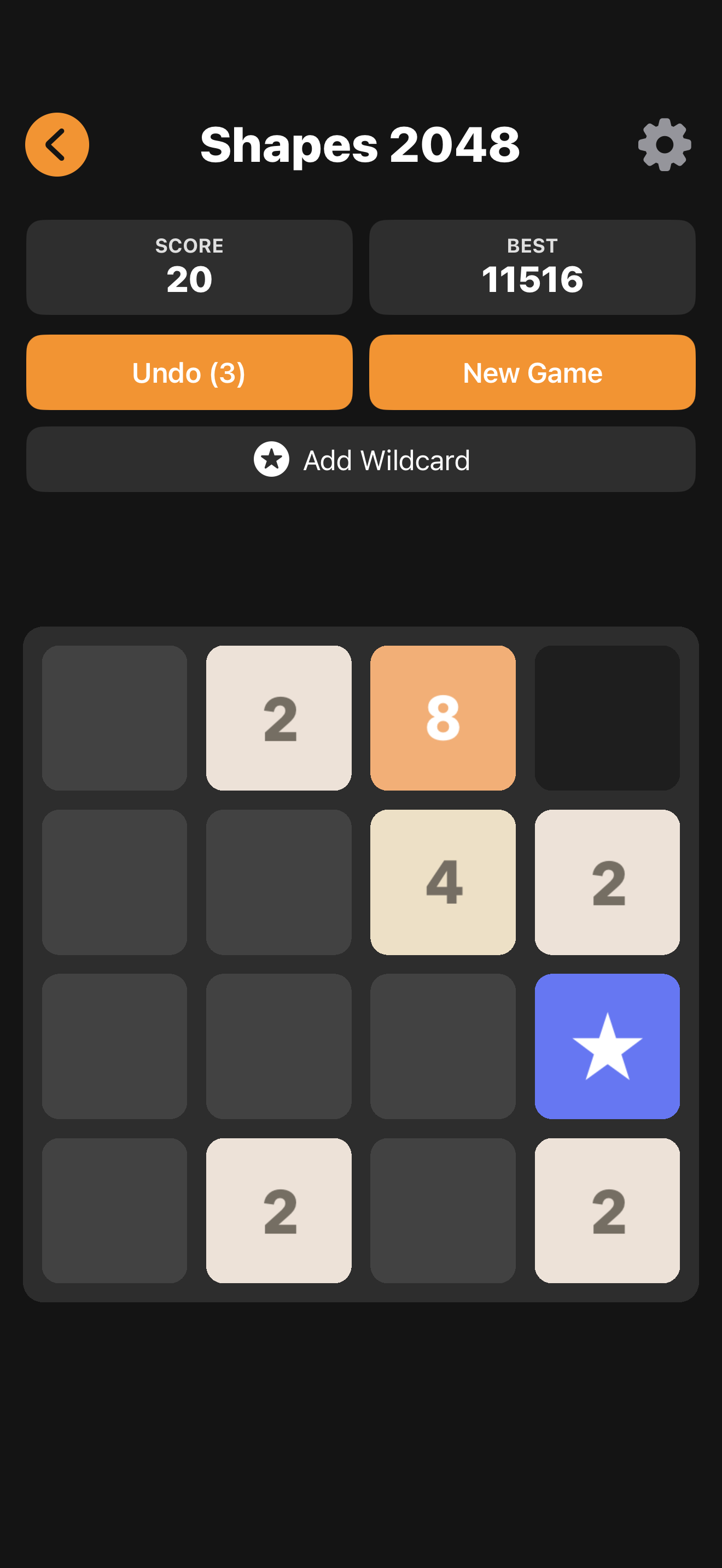
Wild and Blocker tiles
Wild (star) tiles merge with any number. Blocker (black) tiles can't be moved or merged, so you'll have to plan around them. Toggle each in Settings.
04 · Recover & push further
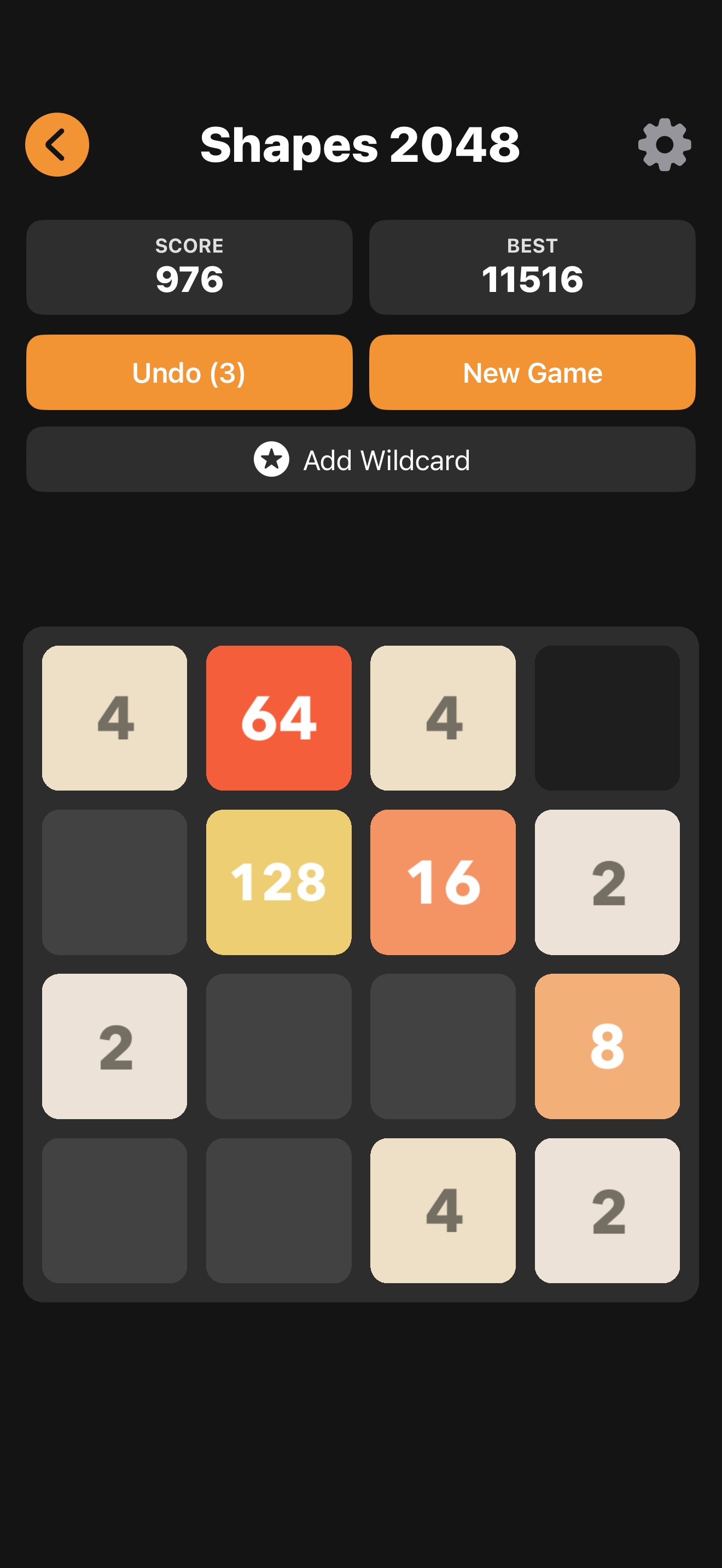
Undo and power-ups
Made a bad move? Use a free undo, or drop a wildcard tile to open things up. Out of free undos? Watch a short rewarded video for another.

05 · Over time
Chase your high score
Best scores per board size, games played, and your highest tile are all tracked on the Stats screen — see how far you can push each run.
Getting started
Pick a board
Choose 3×3, 4×4, or 5×5 and tap New Game.
Swipe to merge
Combine matching tiles and build toward 2048.
Beat your best
Use undos and wildcards, then chase a new high score.
Coming soon to the App Store
Easy to learn, endlessly replayable — slide, merge, and chase 2048 on multiple board sizes.
Free with ads · Optional Remove Ads purchase